Software Features :
- Design best quality barcode labels using Linear and 2D barcodes fonts.
- Provides advance image designing objects for best quality barcode labeler creation.
- Barcode maker software generates barcode series using advance series generating option.
- No special guidance or help required to execute the barcodes generator software.
- Print designed barcode images using advanced barcode printer settings.
- Software barcode works with major barcode scanners and printers.
Supported Barcode Fonts :
Linear Barcode Fonts - Code 11, Code 128, Code 128 SET A, Code 128 SET B, Code 128 SET C, Code 39, Code 93, Code 39 Full ASCII, ITF-14, LOGMARS, Planet, Postnet, USPS Sack Label, USPS Tray Label, USS-93
2D Barcode Fonts - MaxiCode, MICR
Post Office and Bank Barcode Software Screenshots
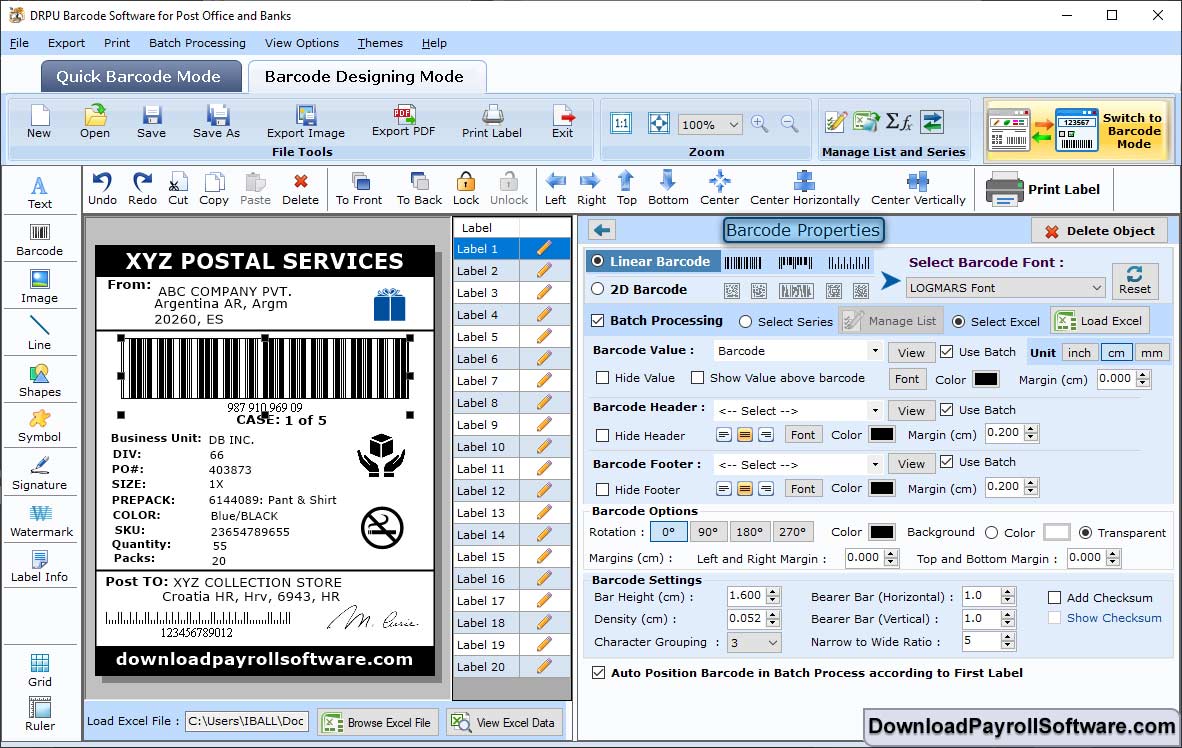
Select Linear Barcode. Click on "Color Settings" to change the color of Barcode using Basic and Custom Colors.
Click on "Barcode Designing View". Select the "Sequential Series" to generate Series of Serial Values by changing Prefix, Suffix etc.
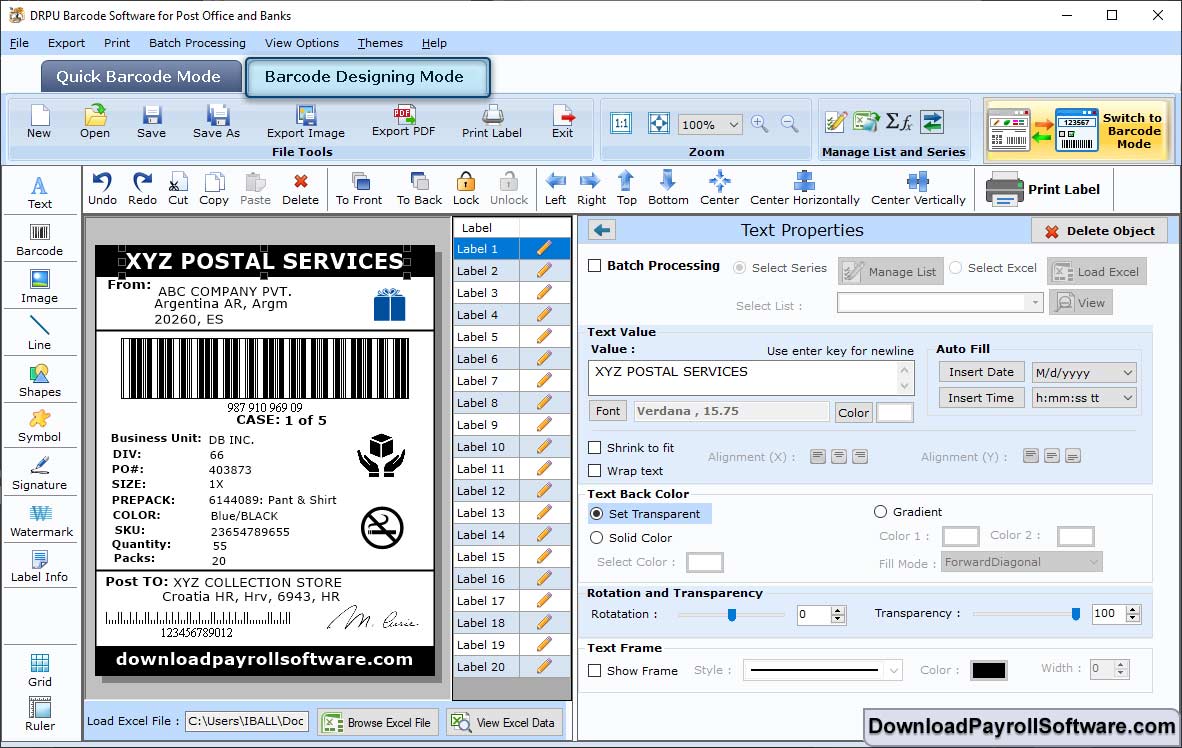
Select "General Settings" in Text Properties to change the Data Source, Font Settings, text etc.
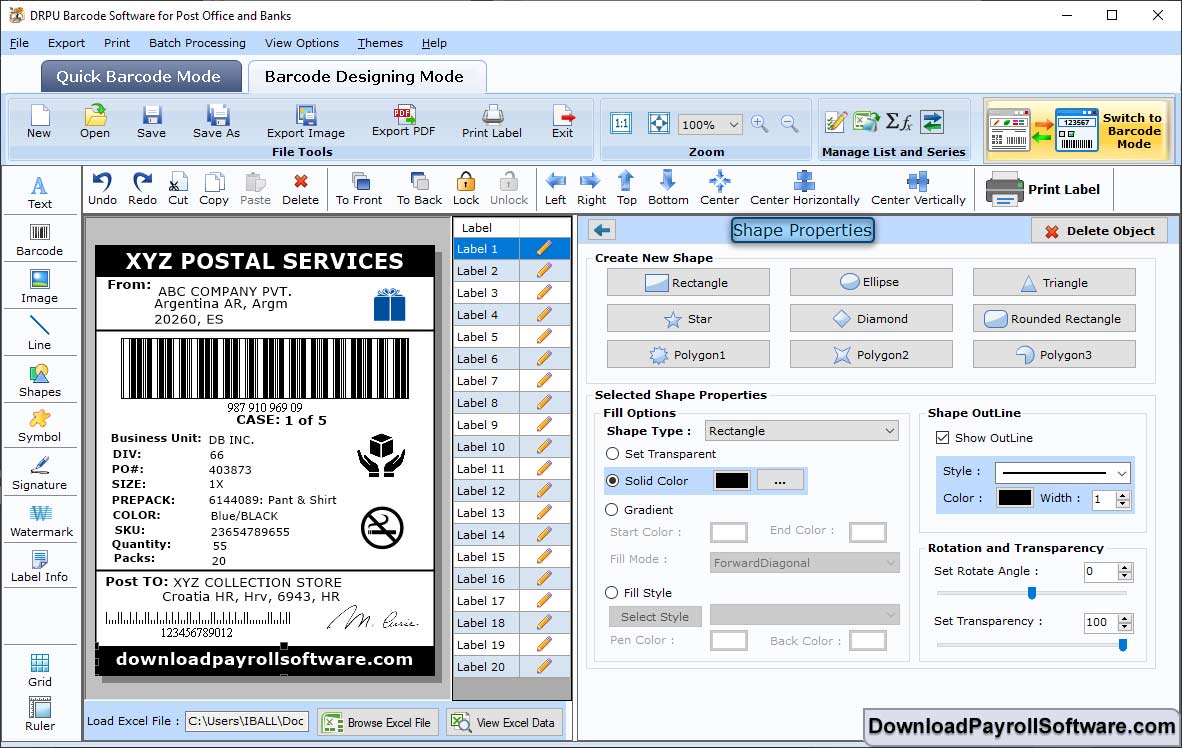
Click on "Color Settings" in the Shape Properties. Then, change the Gradient, Style, Color etc. of the Barcode.
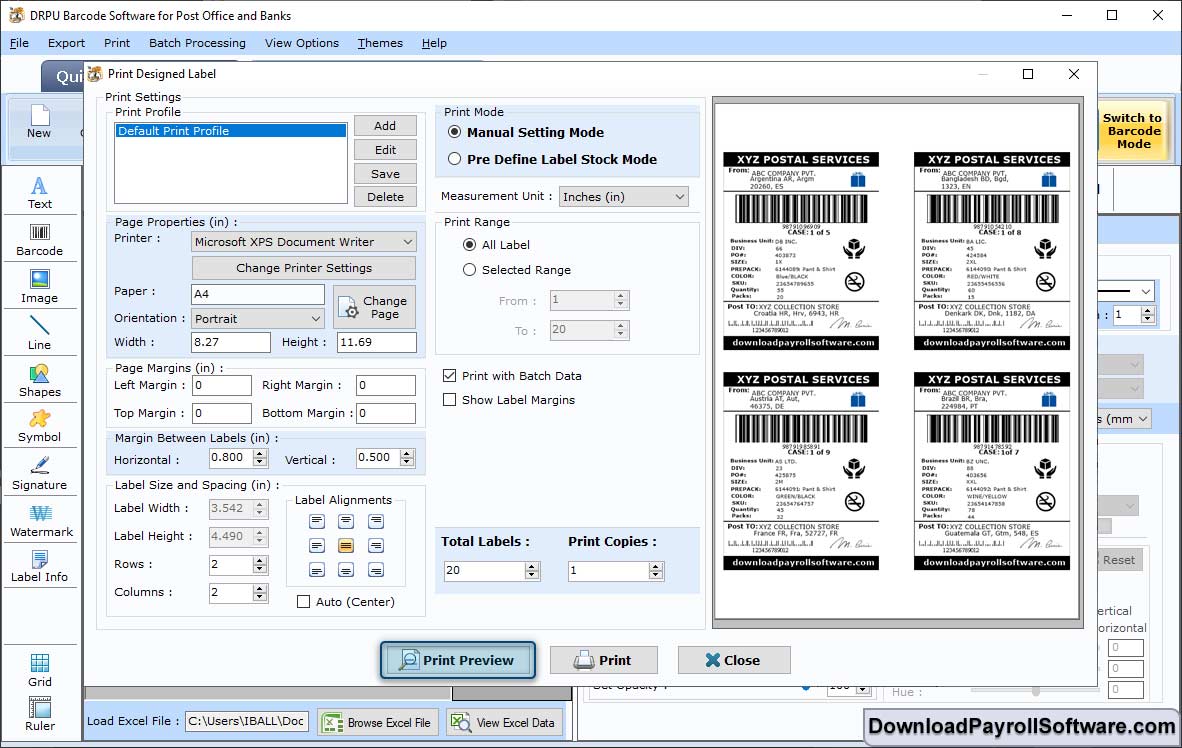
After designing the Card, change the Print Settings such as Print Mode, Label Details such as Left Margins, Top Margin etc. Click on "Print Preview".