Software Features :
- Barcode software works with major barcode fonts including Linear and 2D barcode fonts.
- Works with major software barcode readers and barcode printer.
- Generate bulk barcode labels using various list creation facilities.
- Provides free barcode download section for evaluation usage.
- Save designed barcode images in different file formats on computer system.
Supported Barcode Fonts :
Linear Barcode Fonts - Codabar, Code 128, Code 128 SET A, Code 128 SET B, Code 128 SET C, Code 39, Code 39 Full ASCII, EAN 13, EAN 8, Industrial 2 of 5, Interleaved 2 of 5, LOGMARS, MSIPlessey, Telepen, UCC/EAN-128, UPCA, UPCE
2D Barcode Fonts - Aztec, Databar, Databar Code 128, Databar Code 128 Set A, Databar Code 128 Set B, Databar Code 128 Set C, Databar Expanded, Databar Limited, Databar Stacked, Databar Stacked Omni, Databar Truncated, Databar EAN 13, Databar EAN 8, Databar UPCA, Databar UPCE, DataMatrix, MaxiCode, PDF417, QR Code
Inventory Control and Retail Business Barcode Software Screenshots
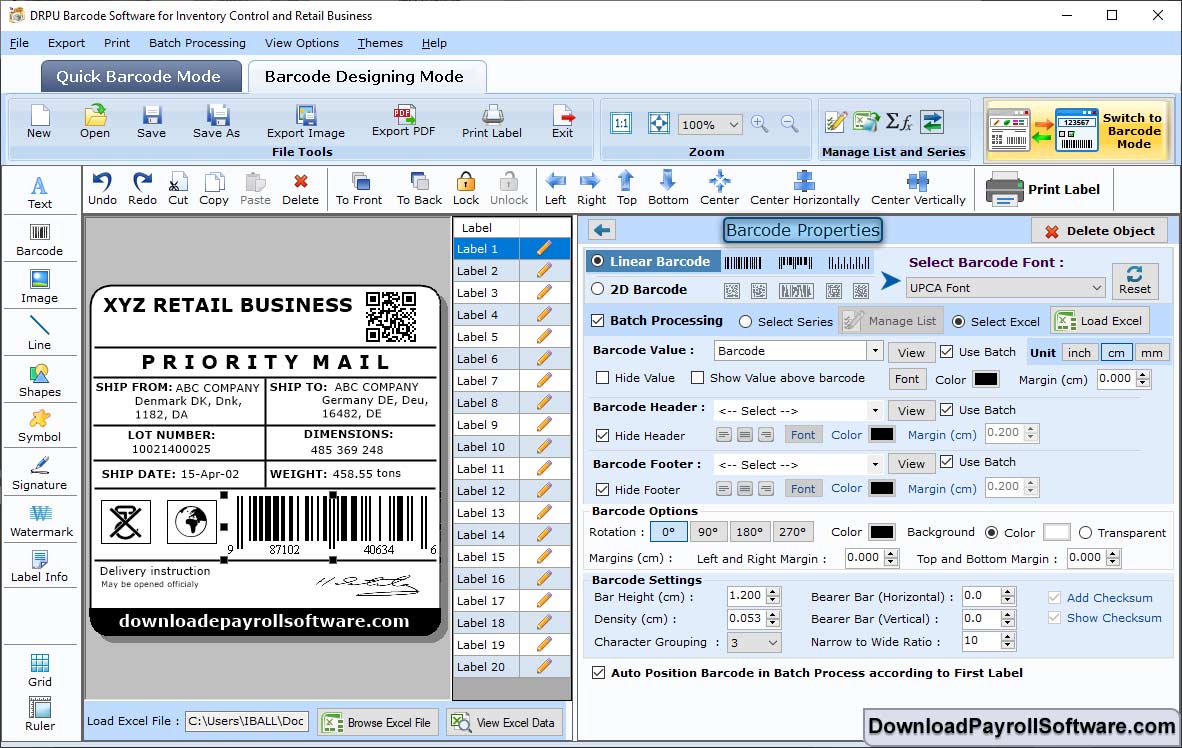
Select Linear Barcode. Click on "Color Settings" to change the Barcode Color, Background Color, Header Color etc.
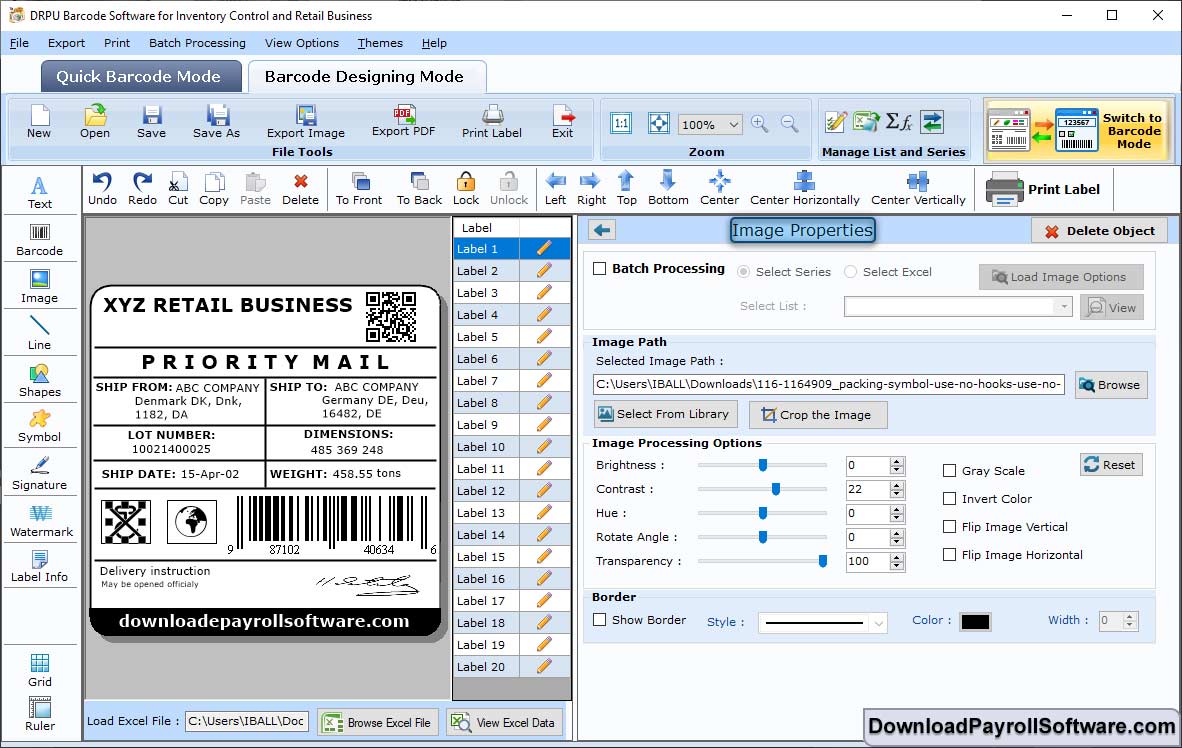
Click on "Barcode Designing View". Click on "General Settings" to change the Rotate Angle, Brightness, Contrast etc.
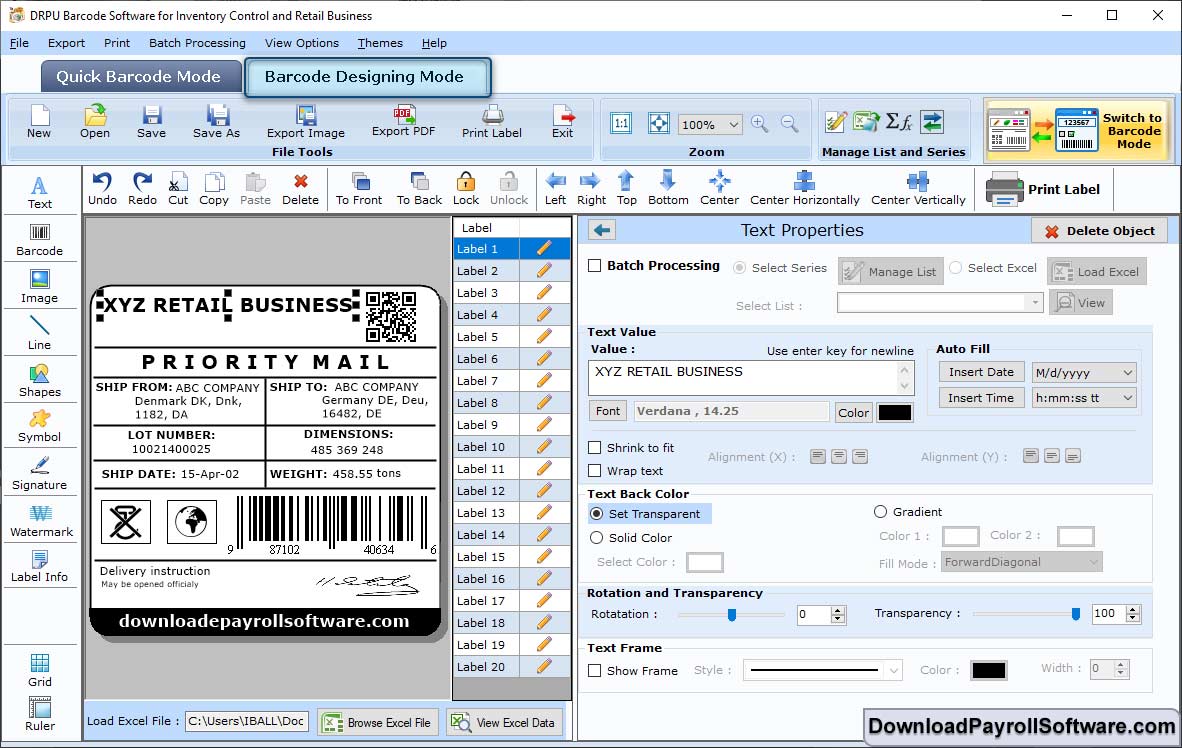
Select General Settings in the Text properties. Then, change Data Source, Series, Font Settings etc.
Double Click on the Barcode to work on its properties. Then, Select Linear Barcode and change values such as Barcode Font, Orientation etc.
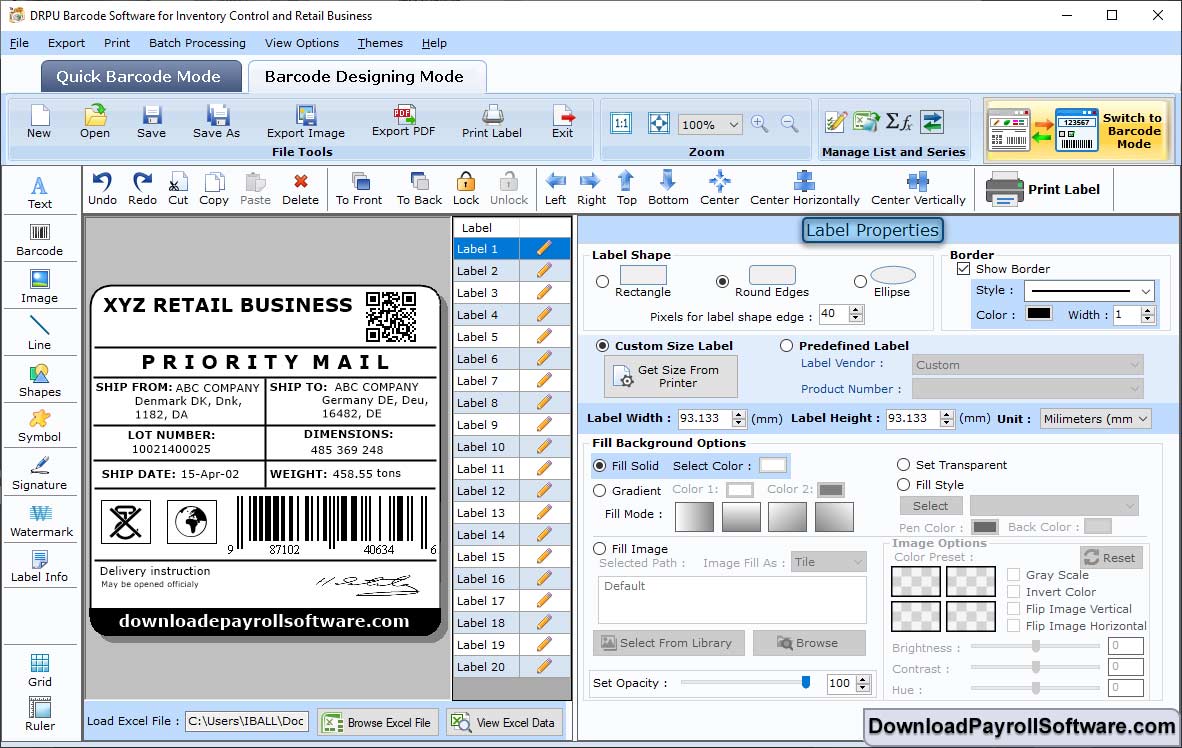
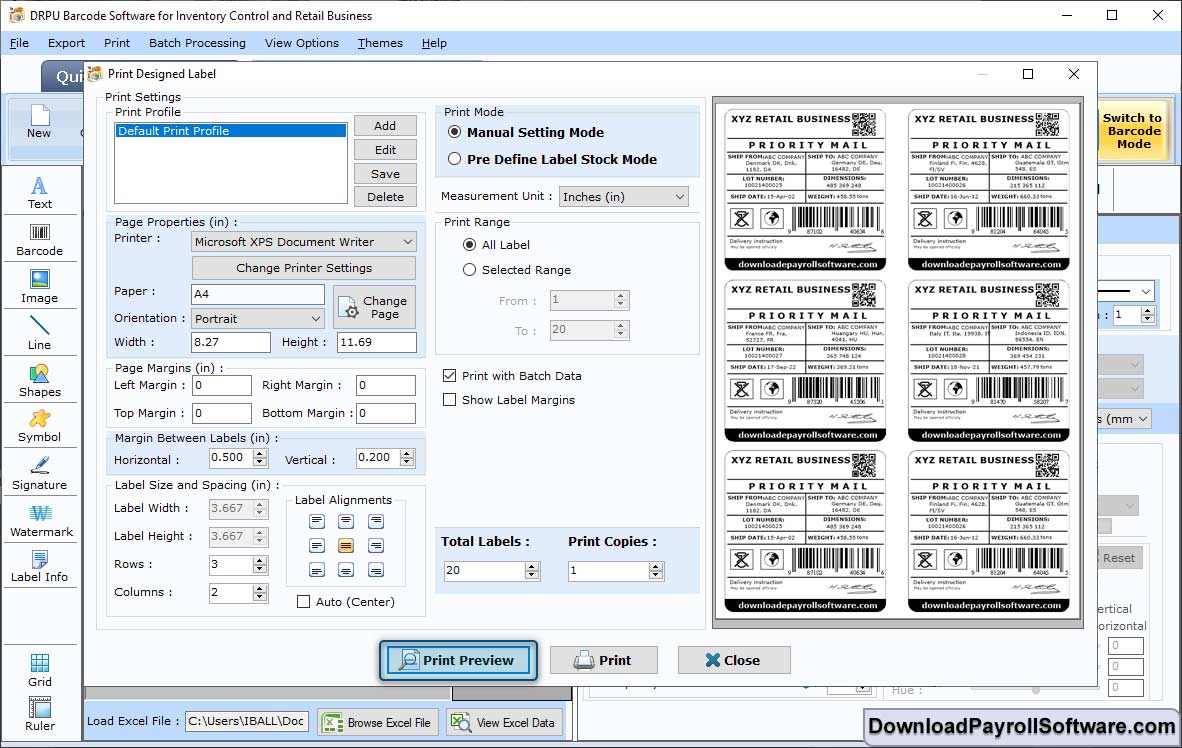
Now, change the Print Settings such as Print Mode, Label Details etc. Click on "Print Preview".