Software Features :
- Best featured and simple to operate Industrial Manufacturing and Warehousing industry barcode software.
- Support to create barcode labels using advance barcode systems.
- Easily print designed barcode images with advance barcode printer settings.
- Save designed barcode images at specified location on PC.
- Download barcode software freeware trial demo and better understand software working.
Supported Barcode Fonts :
Linear Barcode Fonts - Codabar, Code 11, Code 128, Code 128 SET A, Code 128 SET B, Code 128 SET C, Code 39, Code 93, Code 39 Full ASCII, Industrial 2 of 5, Interleaved 2 of 5, ITF-14, LOGMARS, MSIPlessey, Standard 2 of 5, Telepen, UCC/EAN-128, USS-93
2D Barcode Fonts - Aztec, Databar, Databar Code 128, Databar Code 128 Set A, Databar Code 128 Set B, Databar Code 128 Set C, Databar Limited, Databar MicroPDF417, Databar PDF417, DataMatrix, MaxiCode, PDF417, QR Code
Industrial, Manufacturing and Warehousing Industry Barcode Software Screenshots
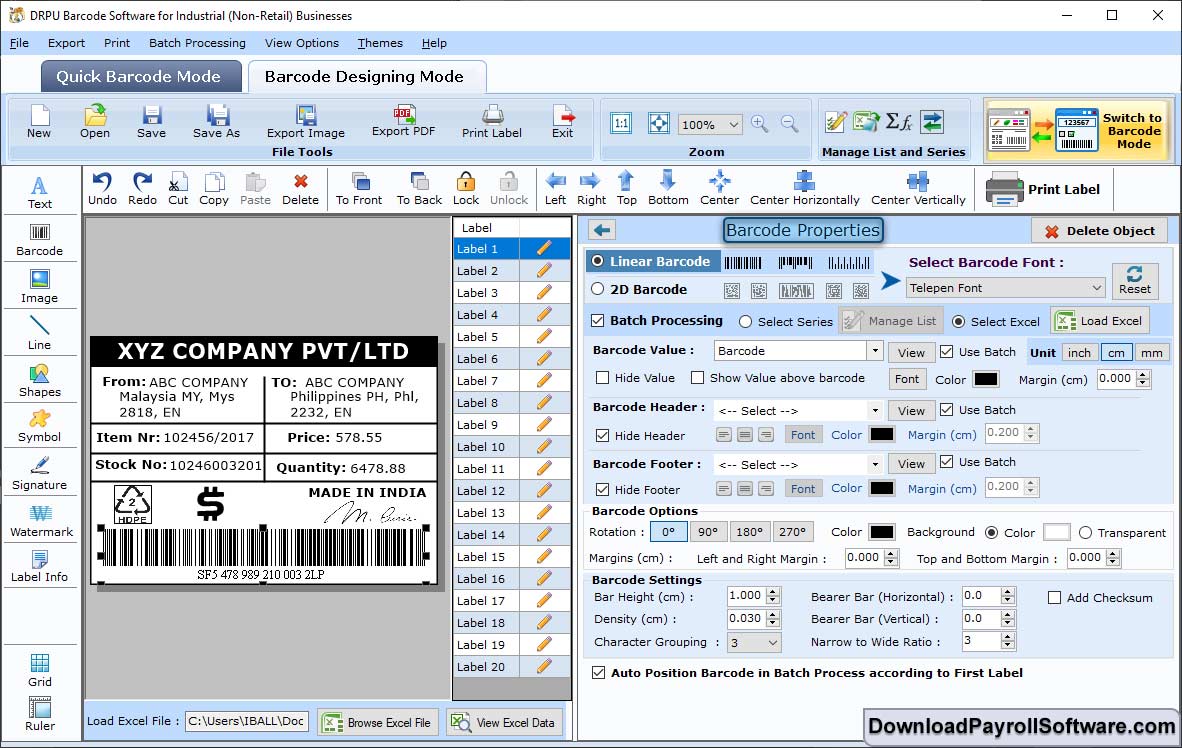
Choose Linear Barcode after selecting Barcode Settings. Now, change the Font Settings such as Font, Script etc.
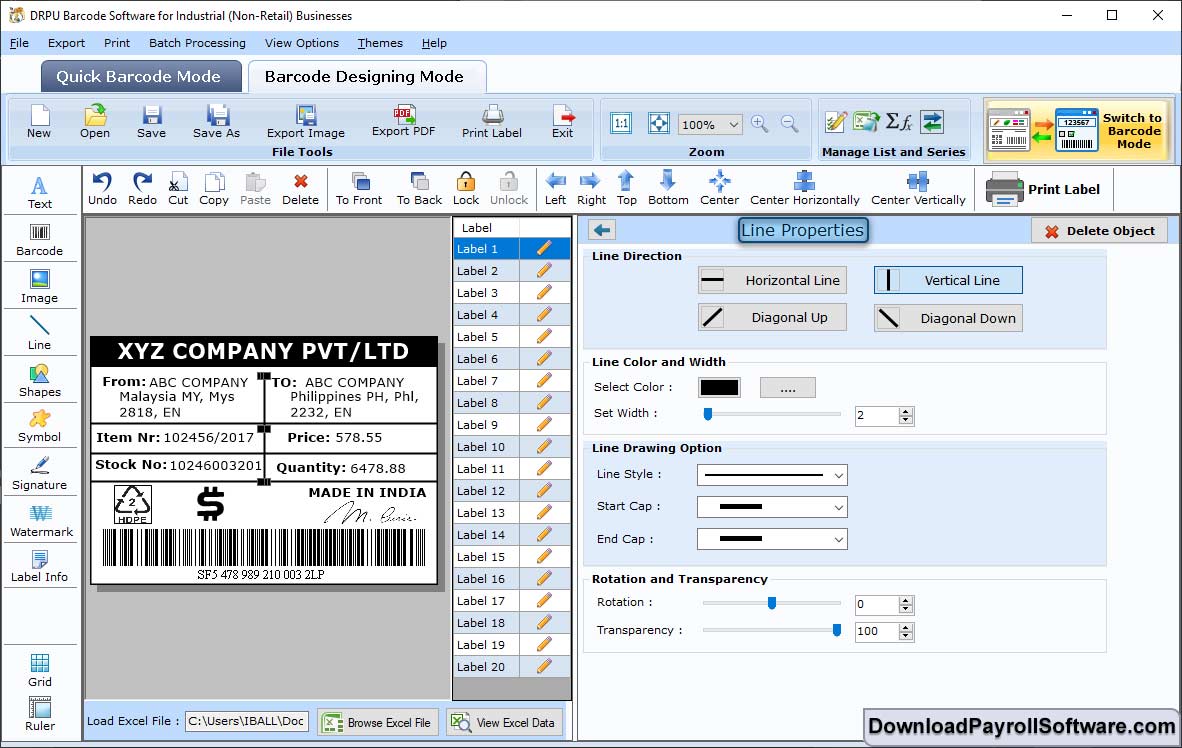
Click on "Barcode Designing View". Select General Settings and change Line Color, Line Width, Line Direction etc.
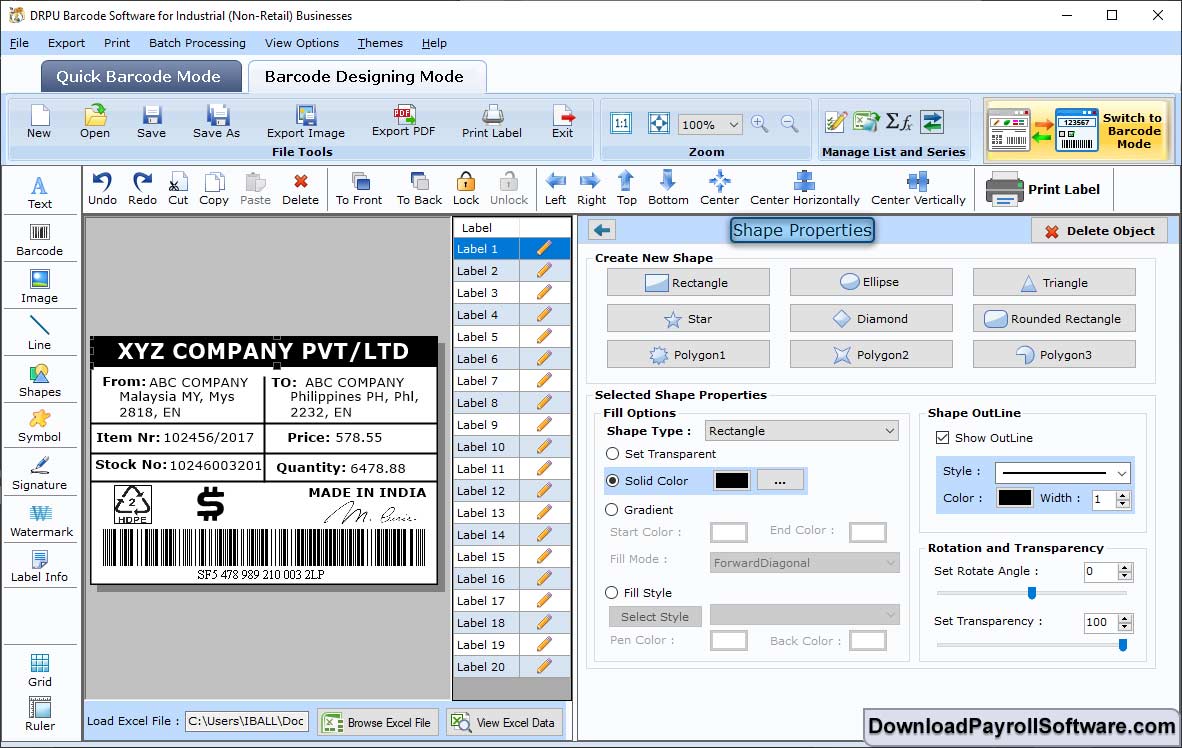
Now, Select Color Settings in the Shape Properties. Then, change the Fill Color, Gradient, Style etc.
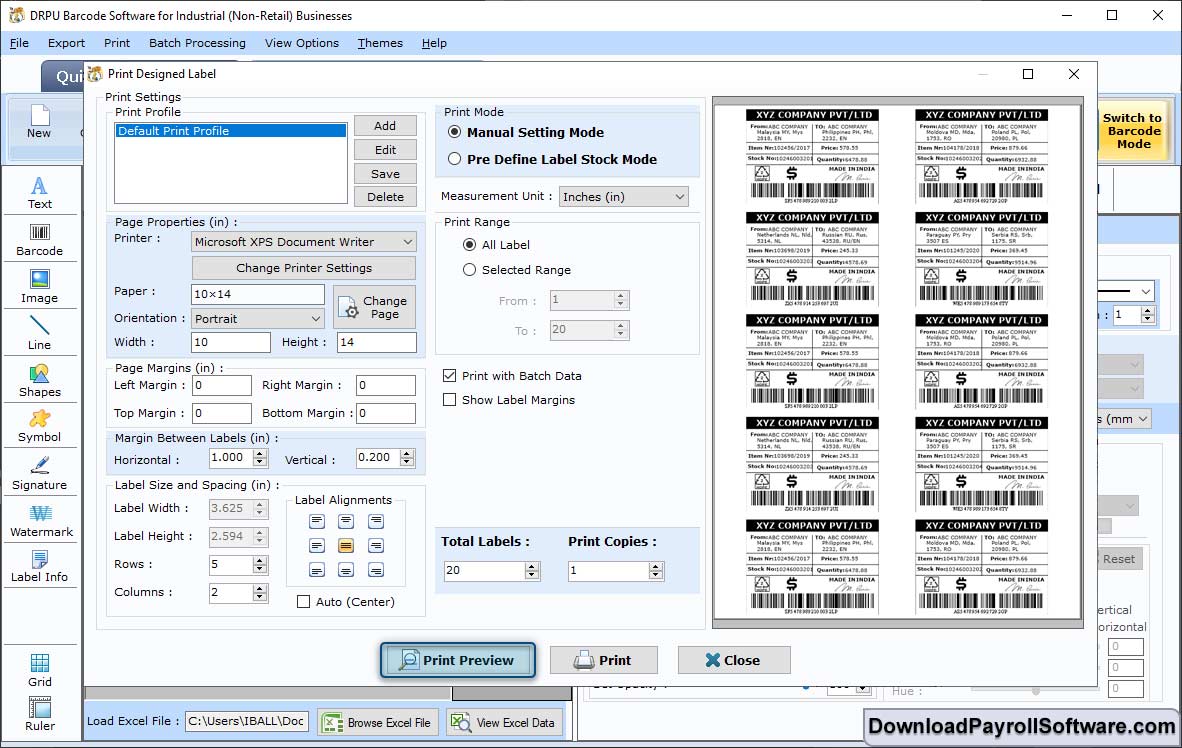
Select Pre Define Label Stock in the Print Mode, Page Properties like Paper and Orientation etc. for the view. Click on "Print Preview".